Configure Stacking
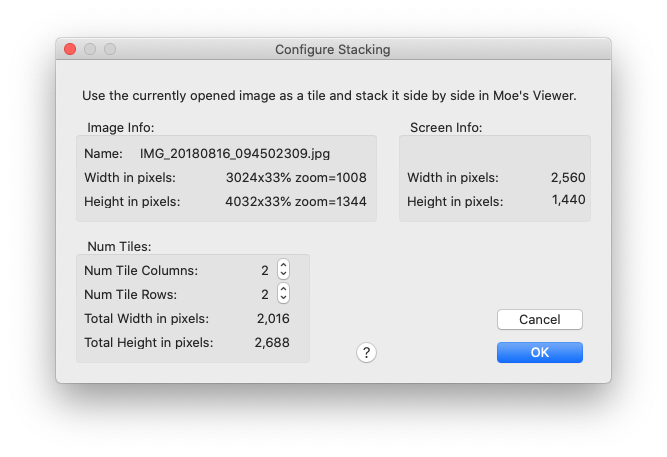
This panel contains a lot of information(too much), but it actually only contains two simple inputs, the number of rows and columns of tiles to stack in Moe’s Image Viewer.
The Image Info describes a single tile - what file it is stored in and its size in pixels.
The Num Tiles section lets you specify how many columns and rows of tiles to stack. It also shows the size of the image created when the tiles are stacked. Note that the Viewer does not support images that exceed 15000 pixels in width or 12000 pixels in height.
The Screen Info shows the size of the screen in logical pixels.